This plugin provides:
- objects management (description, size, length, price, …)
- groups objects by categories,
- manage object state, and their presence in stock or not,
- manage lending and/or renting objects,
- contribution generation,
- …
Installation
First of all, download the plugin:
Extract the downloaded archive in Galette plugins directory. For example,
under linux (replacing {url} and {version} with correct values):
$ cd /var/www/html/galette/plugins
$ wget {url}
$ tar xjvf galette-plugin-objectslend-{version}.tar.bz2
Database initialisation
In order to work, this plugin requires several tables in the database. See Galette plugins management interface.
And this is finished; ObjectsLend plugin is installed :)
Plugin usage
Once plugin has been installed, a Object lend group is added to Galette menu.
Defaults status are provided at installation, but they can not fit your needs, you can of course define your own.
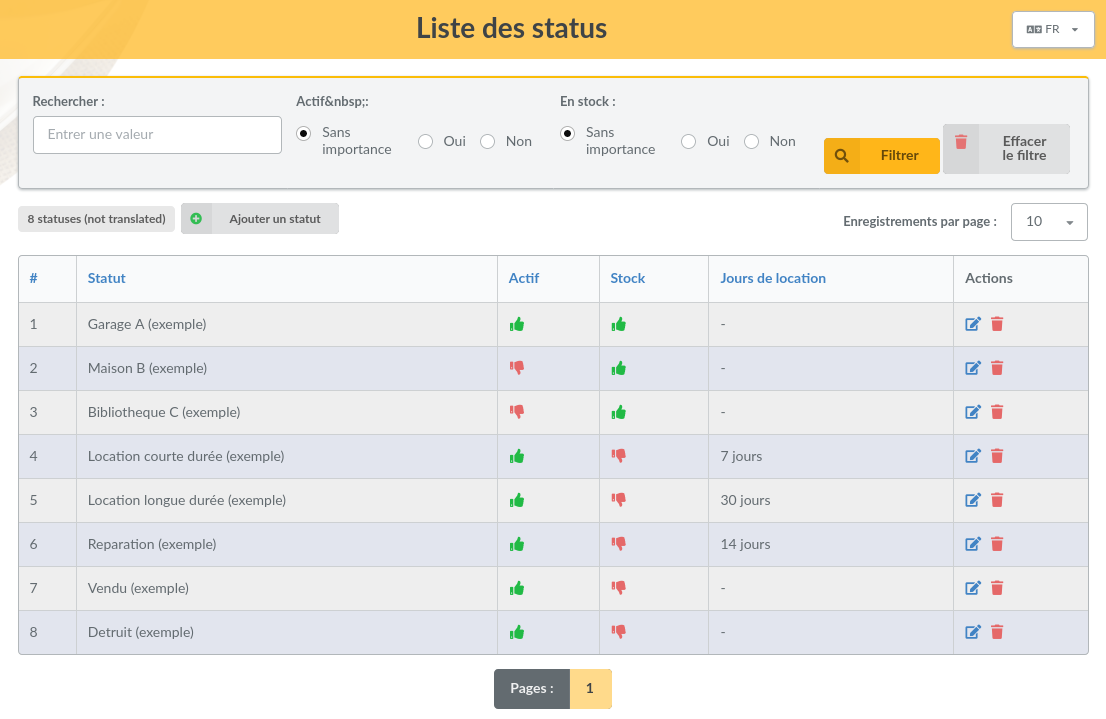
Define status, create categories and objects; users can lend objects with a reason, then give them back with location.
A lend history is provided for administrators and staff members from object page.
Preferences
Several preferences allows to change plugin behavior.
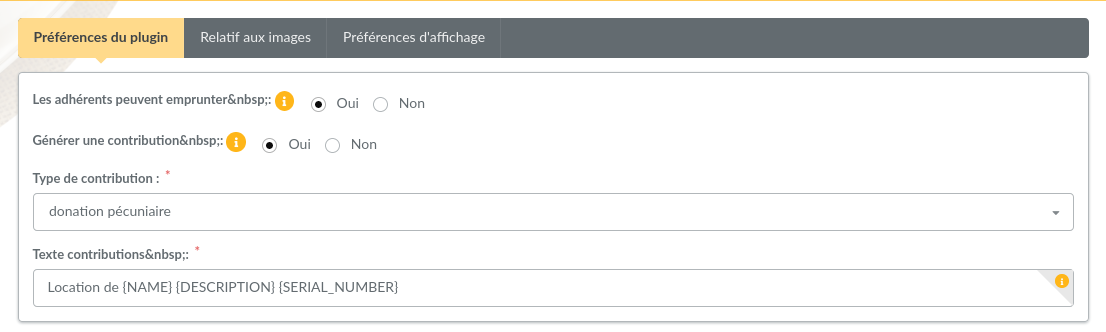
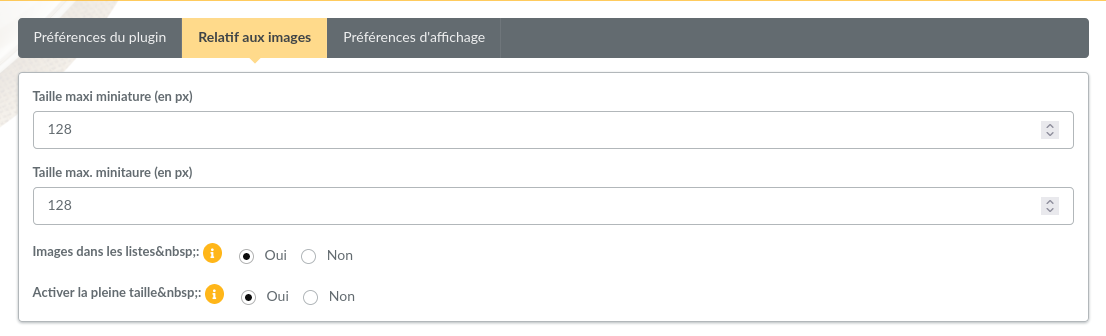
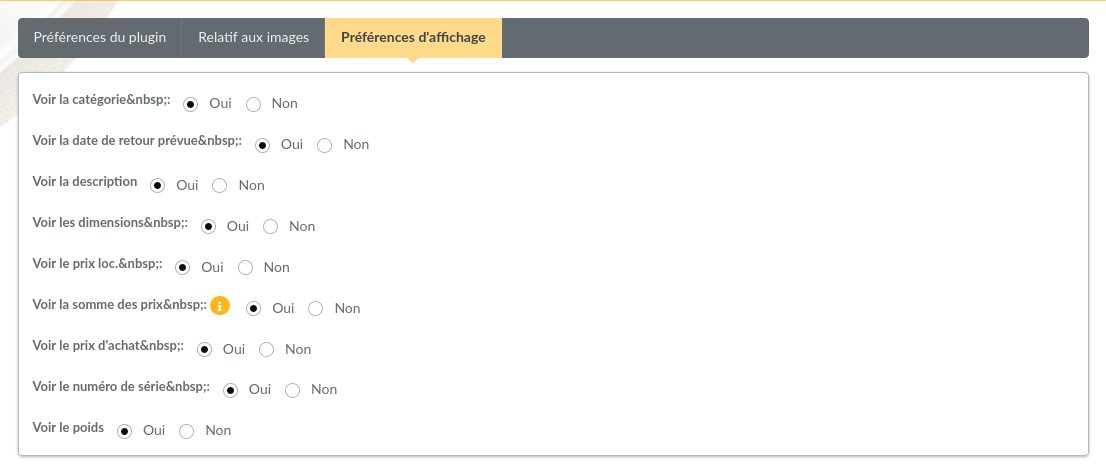
From this screen, you can define if members can lend objects or not, if it should create a new contribution (and its type and description), if image should be displayed in objects list, and thumbnails size.
It is possible to activate the fullsize photo display.
Note — Added in version 0.5.
Photos sent with previous plugin version were always resized, only the thumbnail was stored. If you want to get fullsize display, you will have to send photos again.